
Industries
Warehousing
Wi-Fi for warehouses that reaches the bottom of full racking aisles, tested onsite before install
Industries
Warehouse Wi-Fi That Keeps Scanners Connected Down Every Aisle
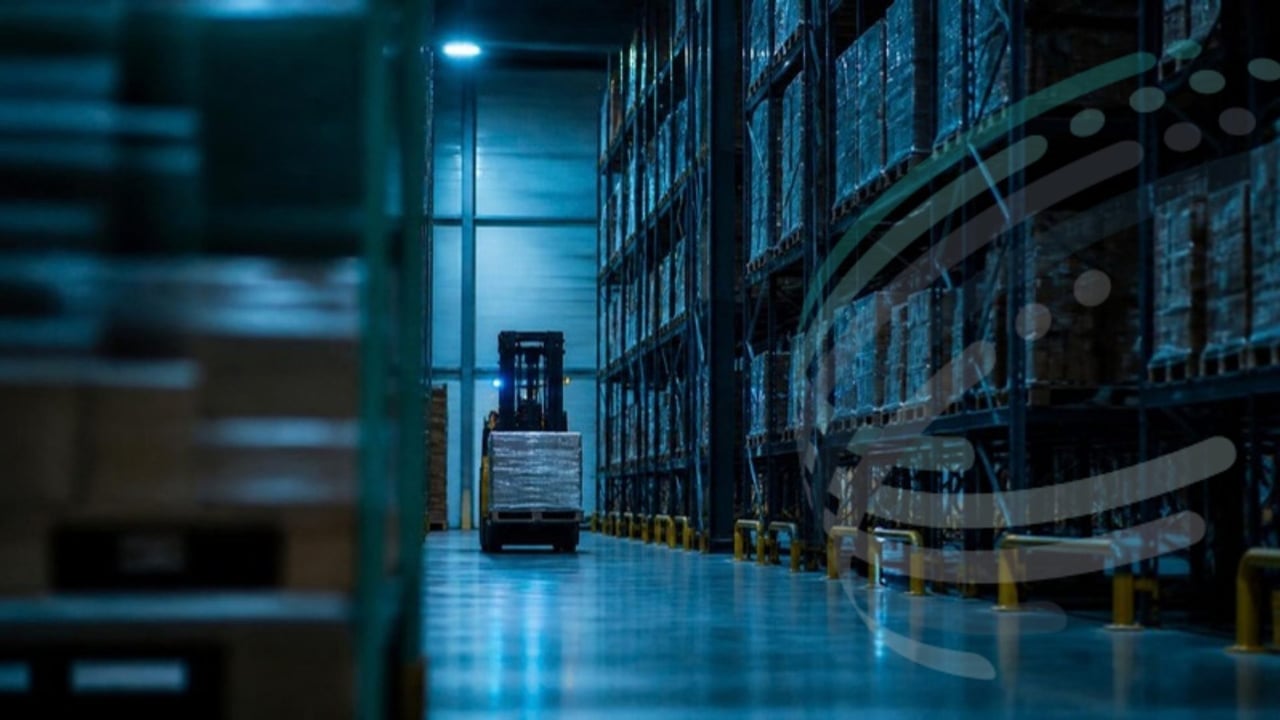
Good Wi-Fi for a warehouse covers the bottom of every full racking aisle at voice grade, so scanners and forklift terminals roam without dropping. That usually means directional antennas at the aisle ends rather than ceiling access points alone, and an onsite survey with the racks full before any cabling goes in.
Phones, stock-pick applications, barcode scanners and location tracking all depend on the network, and a dropout stops staff in their tracks while they're chasing pick targets. Industrial switching and wireless give the uptime the operation needs, with equipment rated for hot, dusty or clinical environments.
Read how to fix warehouse Wi-Fi coverage problems and our warehouse Wi-Fi best practice guide. Running a retail warehouse? See retail warehouse technologies and retail store technology.
Use Cases
What the Network Needs to Do
Stock Picking
Reliable Wi-Fi for staff on foot, wearable scanners, forklift-mounted devices and fully automated picking.
Industrial Networking
Hardened, fanless and high-temperature equipment for hot and dusty sites, or clean environments such as clinical warehouses.
Network Reliability
Built-in resilience and well-placed racks, because maintenance windows are short when sites run extended hours.
Designed for Racking
Surveys and designs that account for racking, stock levels and forklift traffic.
Why IPTel
Why Organisations Choose IPTel
Proven in Your Sector
We've designed and delivered networks for some of the largest and most complex sites in Australia.
Design First
Predictive design, on-site surveys and validation mean the network performs on day one.
Support for the Long Term
From support to fully managed services, our engineers stay with you after go-live.
Warehouse Wi-Fi: Common Questions
Why is Wi-Fi in warehouses so difficult?
Steel racking, high ceilings and stock that changes every day all block and reflect Wi-Fi. A design that works in an empty building can fail once the racks are full, so warehouse Wi-Fi has to be designed for the worst case.
What Wi-Fi do barcode scanners and forklift terminals need?
Scanners and vehicle-mounted terminals roam constantly, so they need voice-grade coverage with no gaps between access points. Designing only for laptops is the most common reason scanners drop out in the aisles.
How should access points be placed in racking aisles?
In tall racking we usually mount directional antennas at the aisle ends, angled down the aisle, on alternate ends of neighbouring aisles. Open areas, docks and offices get their own coverage. Ceiling-mounted omni access points alone rarely reach the bottom of a full aisle.
What does warehouse Wi-Fi cost?
The cost is driven by floor area, racking height and density, the number of aisles, mounting heights and whether you need industrial-rated equipment. Each aisle-end antenna needs a cable run and a switch port, so the aisle count matters more than the square metres. An onsite survey gives you an access point count and a fixed quote before you commit, and our free Wi-Fi access point estimator gives a first estimate in minutes.
Do we need an onsite survey?
For warehouses, yes. Mounting heights of 11 to 19 metres, antenna angles and real racking all need testing on site before cabling. It is the best way to avoid costly rework after installation.
How Many Wi-Fi Access Points Do You Need?
Get an instant estimate of access points, PoE switch ports and power for each floor or area, based on the same Wi-Fi grades our engineers design to. Then get your full Wi-Fi AP estimate report free by email.
Try the Free Estimator →
How Many Wi-Fi Access Points Do You Need?
Get an instant estimate for your site, plus a free Wi-Fi AP estimate report by email.
Try the Free Estimator →Talk to an IPTel Engineer
Tell us about your site and what you need from your network. We'll come back with practical advice and a free quote.